01
Pipeline questions in plain English
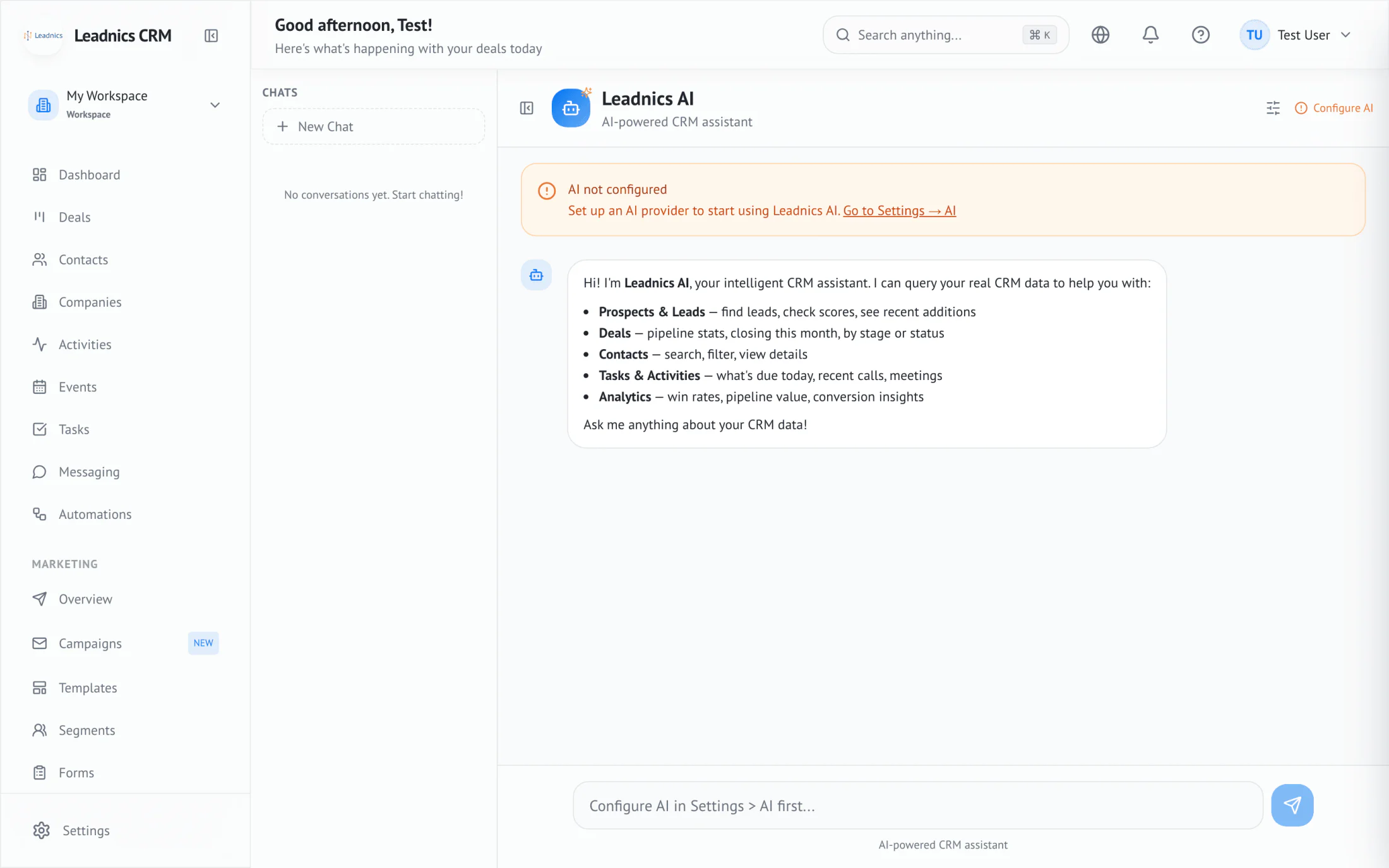
"Which $50K+ deals slipped a stage this week?" returns the deals with stage, owner, and last activity.
Product
Leadnics AI sits next to the pipeline. Ask which deals slipped a stage this week, who hasn't been touched in 10 days, or what to send a contact next — and get an answer grounded in your own records.
How it works
Type a question in the assistant pane. "Show me trade-show leads from last quarter who never replied." No syntax to learn.
The assistant queries your CRM data directly — contacts, deals, activities, segments — and shows the records it used to answer.
Promote the answer to a list, enroll those contacts in a sequence, or assign tasks to the right reps in one click.
Capabilities
"Which $50K+ deals slipped a stage this week?" returns the deals with stage, owner, and last activity.
Open a thread, ask for a follow-up that references the last conversation and the deal stage. Tone matches your team's style.
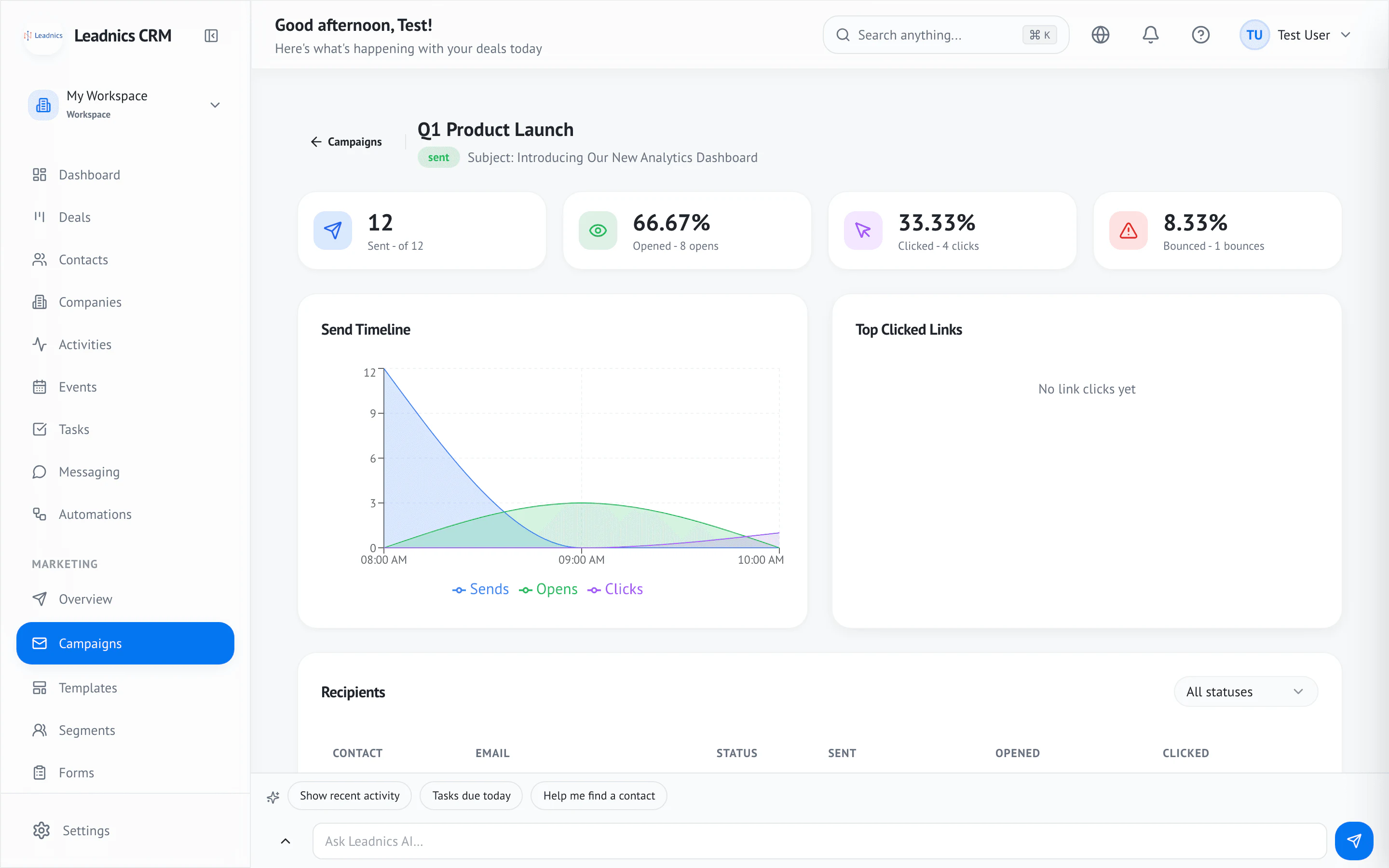
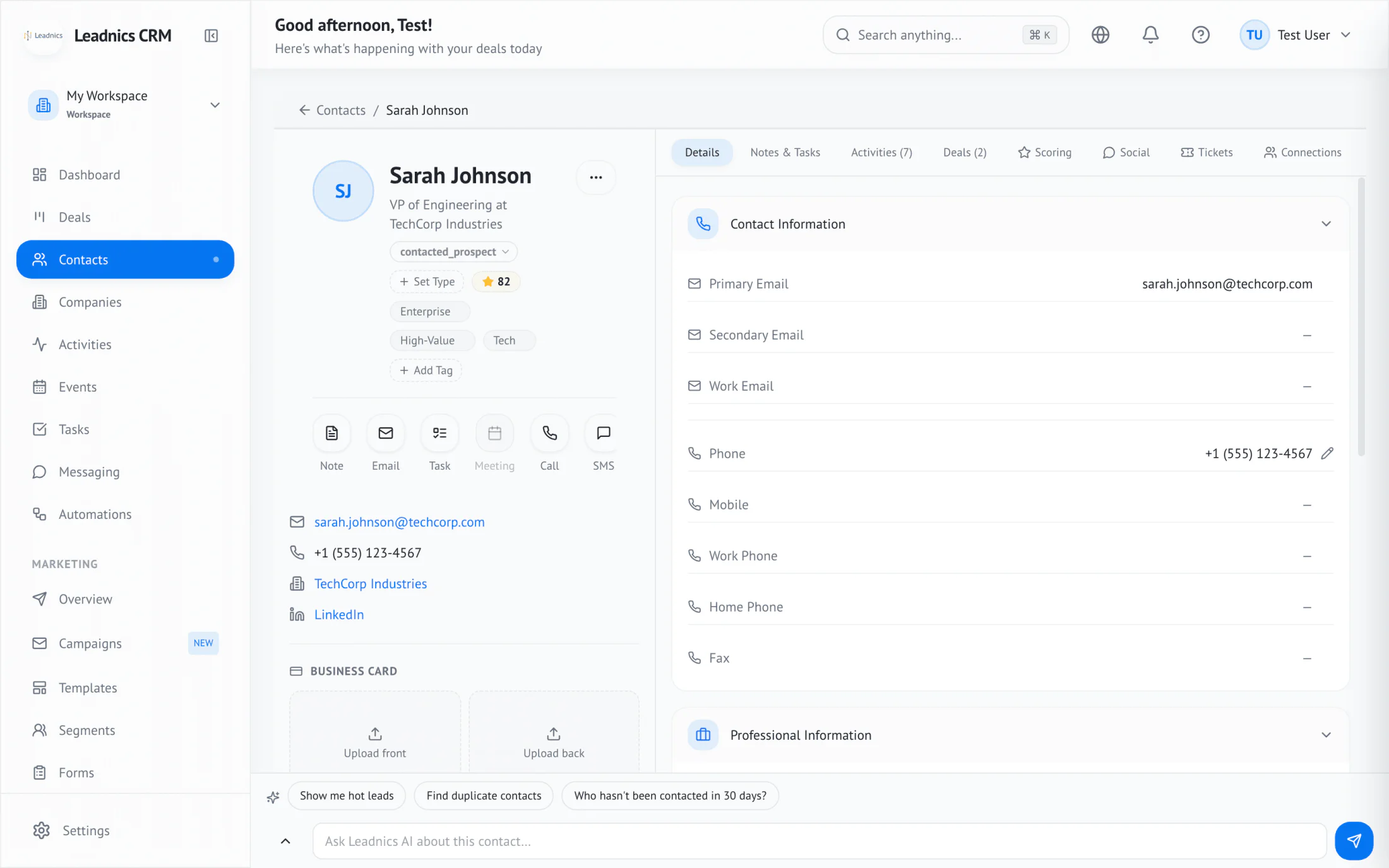
Before the call, get a one-paragraph briefing: last touch, open deals, sentiment, recent company news.
Describe the segment you want; the assistant builds the filter, previews the count, and saves it.

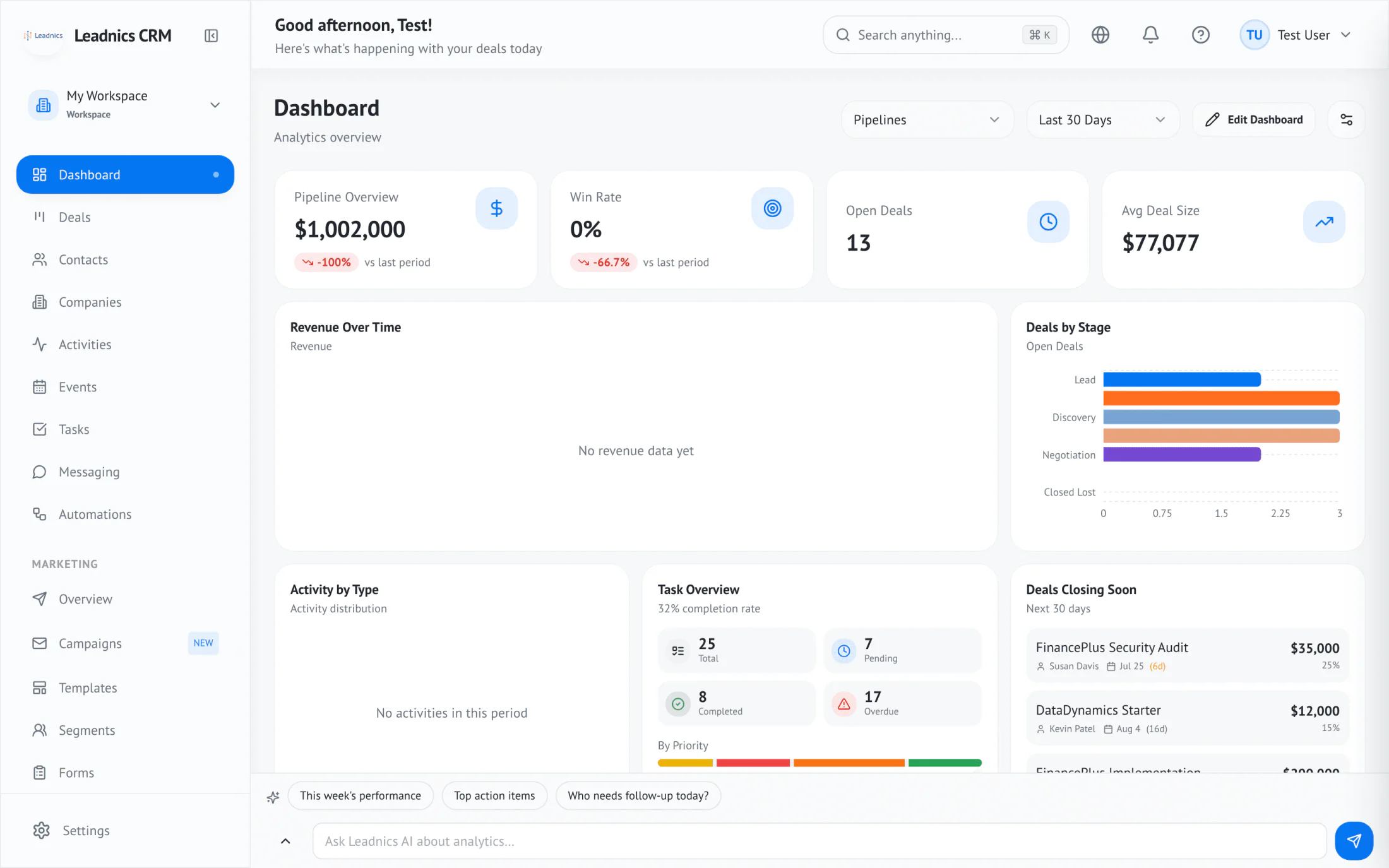
Hover any chart, ask why the line dipped. The assistant breaks down which deals, reps, or segments drove the change.
Every answer links back to the records it used. Click a citation to land on the contact, deal, or activity that grounds the claim.
Questions
No. Your data stays inside your workspace. The assistant reads from your records to answer; nothing is sent back to train a foundation model.
Only when you confirm. Suggestions appear inline; promoting a suggestion to an action — sequence enrollment, task creation, segment save — always requires a click.
The same records the user asking the question can see. Permissions, ownership, and team scopes are honored on every query.